The CLI is source-available
Inspect the client code that holds your key. Under Business Source License 1.1, production use is included with any SafeGrd account, and restoring never needs a subscription: github.com/safegrd/cli.
SafeGrd runs on a host that can already reach what you are protecting. It compresses and encrypts there, writes the encrypted backup to your own bucket or to SafeGrd's hosted storage, locked with S3 Object Lock, and later restores it to check that it works. Your data never passes through SafeGrd's control plane. A surface you set to drill on SafeGrd is restored on a machine started for that drill and destroyed when it ends, and a database with no host is backed up the same way, from a connection string SafeGrd holds sealed.
Three commands take you from nothing to a tested backup. The first installs the CLI and logs you in. It prints a link to open in a browser on any device, so it works the same on a server you reached over SSH.
With a customer-managed key that file decrypts your snapshots, and it stays with you. Store a copy with your most important credentials. With a SafeGrd-managed key, SafeGrd keeps it sealed for you instead.
On a host that cannot reach SafeGrd, or to try it without an account, run
safegrd init. It does the local half and nothing else. A node set up
that way backs up, restores and verifies standalone.
These screenshots come from a demo organization in which the daemon backed up a PostgreSQL database and a directory, then restored both.
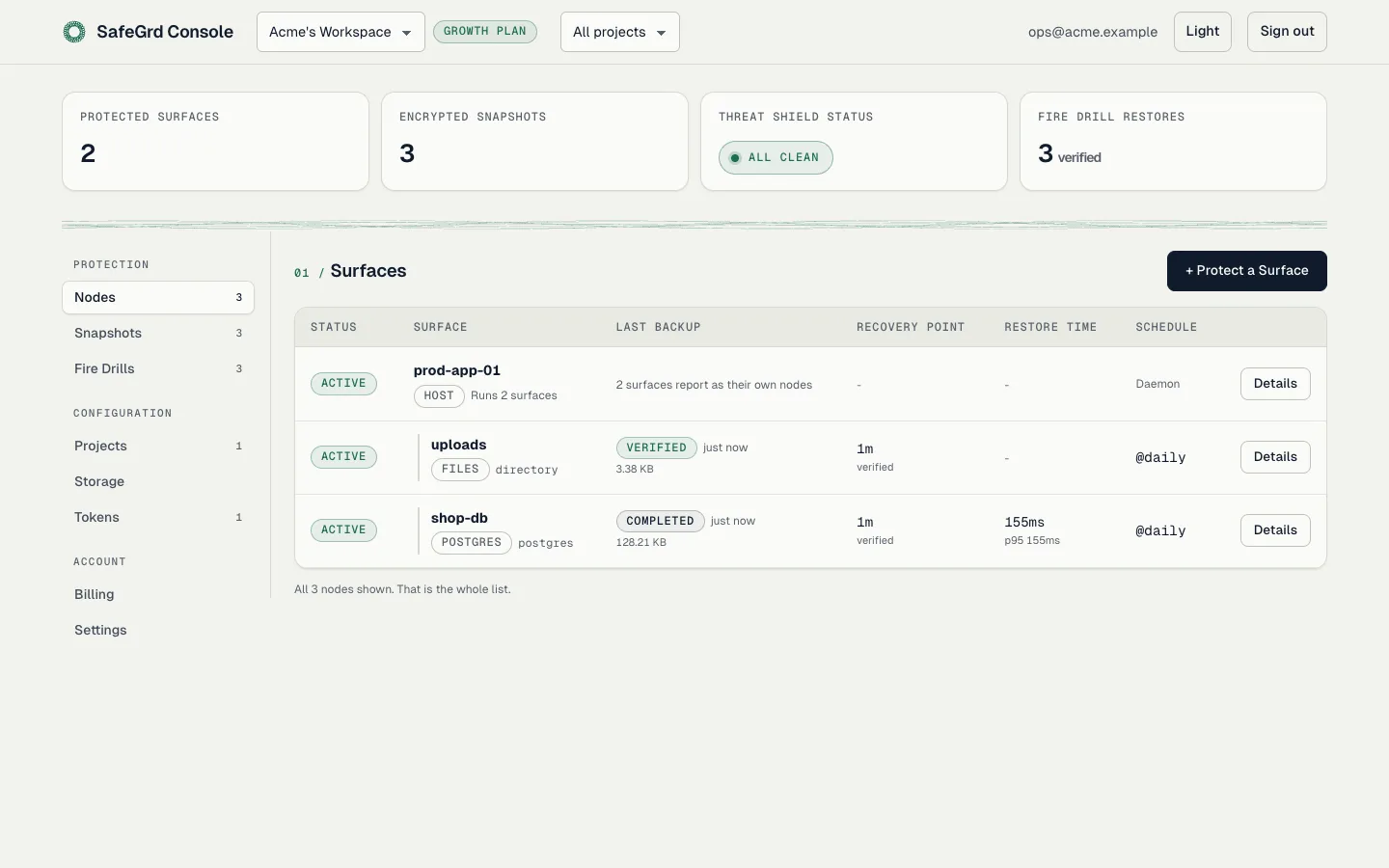
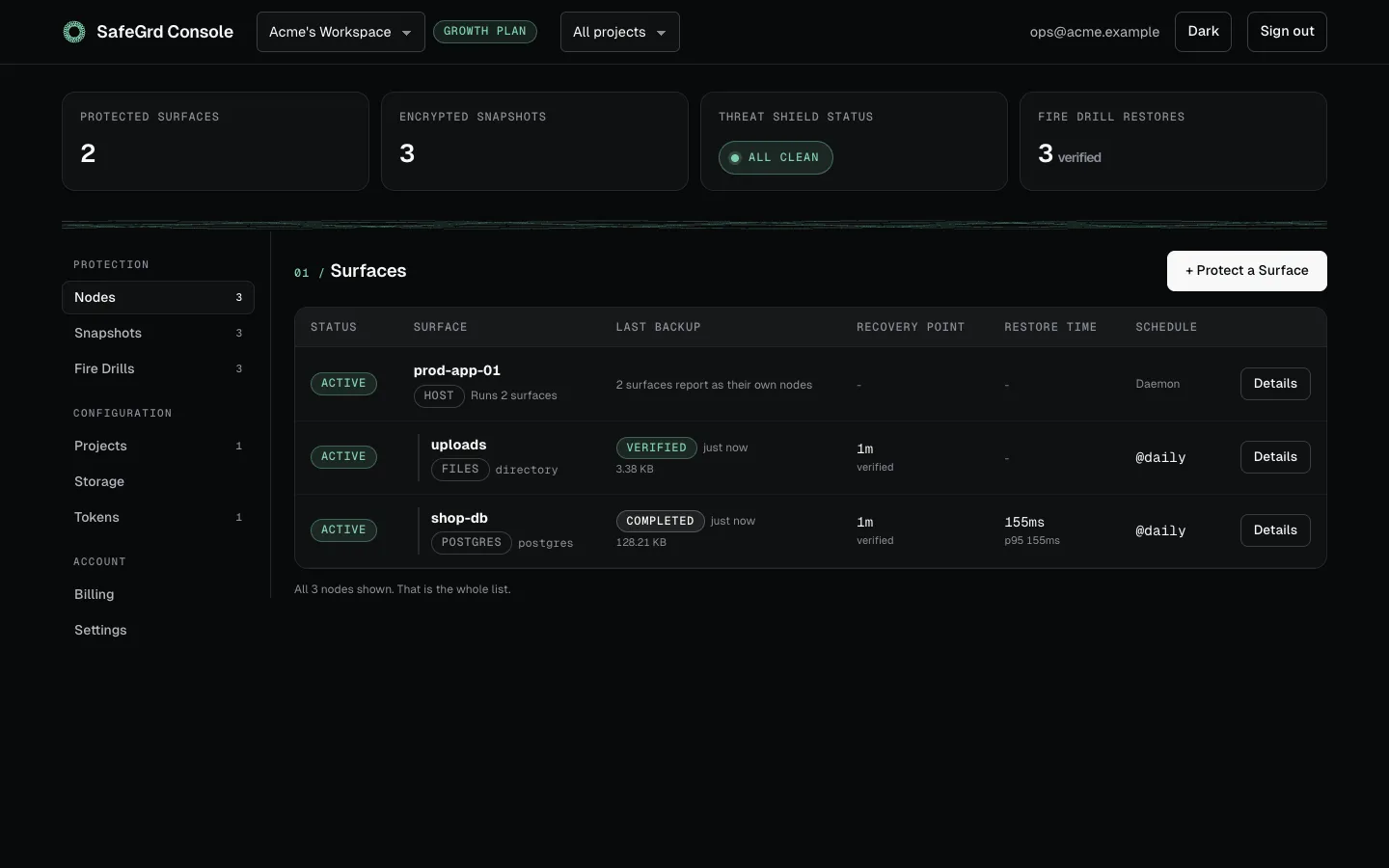
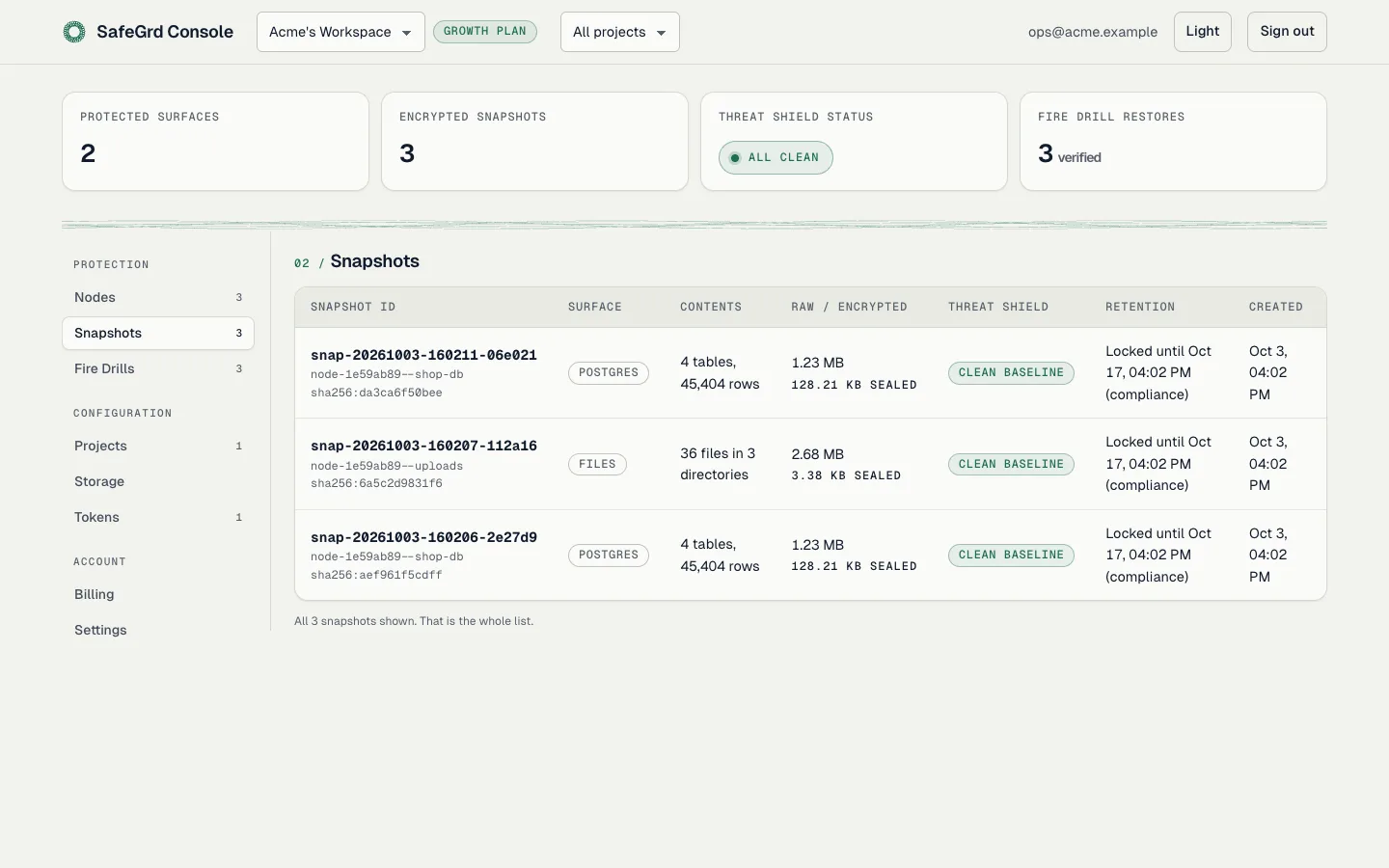
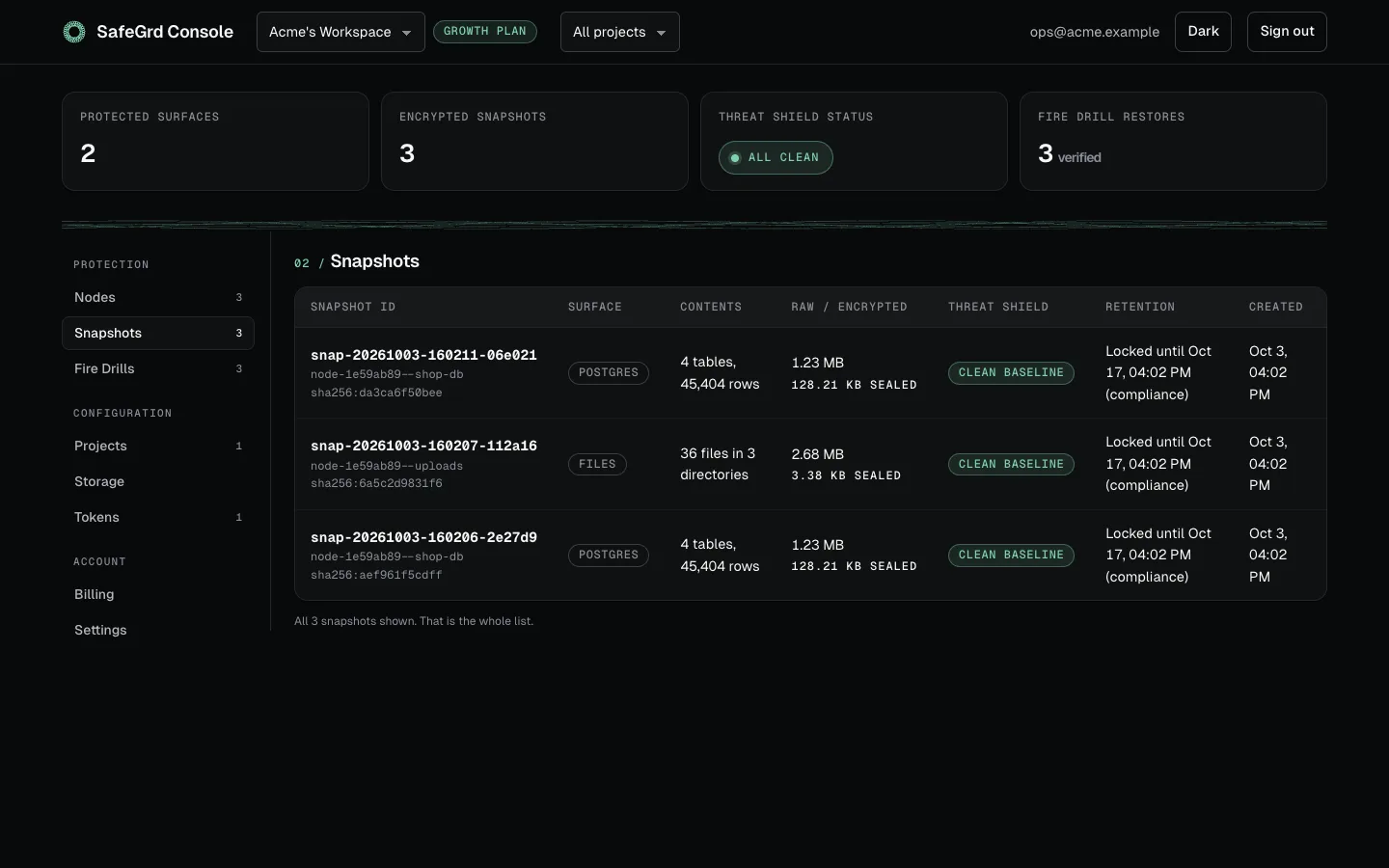
The Fire Drills tab is shown on the Fire Drills page and the Tokens tab on Account.
Installing, the two ways to set a host up, and who holds the private key.
02 Command referenceEvery command and every flag, with the environment variables that replace them.
03 SurfacesPostgreSQL, MySQL, MariaDB, MongoDB and SQLite, file trees and IMAP mailboxes: what each engine captures.
04 Storage and retentionBring your own bucket, what Object Lock guarantees, and recovering a deletion.
05 Threat ShieldAnomaly detection and row-drop alerts, and why the known-good snapshot is still there.
06 DaemonSchedules, service installation, locks, backoff and daemon credentials.
07 Restore and Fire DrillsRestoring for real, and proving a snapshot restores without touching production.
08 The attestation recordThe signed hash chain, and how to verify it offline without trusting us.
09 Security and key custodyWhat the control plane can hold, what it never holds, and why the CLI is source-available.
10 Organizations and billingProjects, members, tokens, and what lapsing does and does not do.
11 AI agents (MCP)Let a coding agent read backups, ask for one and prove it restores. It cannot delete anything.
12 TroubleshootingDiagnostics and common issues encountered in real-world deployments.
Inspect the client code that holds your key. Under Business Source License 1.1, production use is included with any SafeGrd account, and restoring never needs a subscription: github.com/safegrd/cli.
The practice behind the product, useful with or without it: how to test that a PostgreSQL or MySQL backup restores, and more.